Every bookmark and tab, in its place
Nook sorts your bookmarks into visual boards and turns your open tabs into a clean, grouped list - so every saved link and live tab has a place, right on your new tab.

30-day Pro trial · No credit card needed
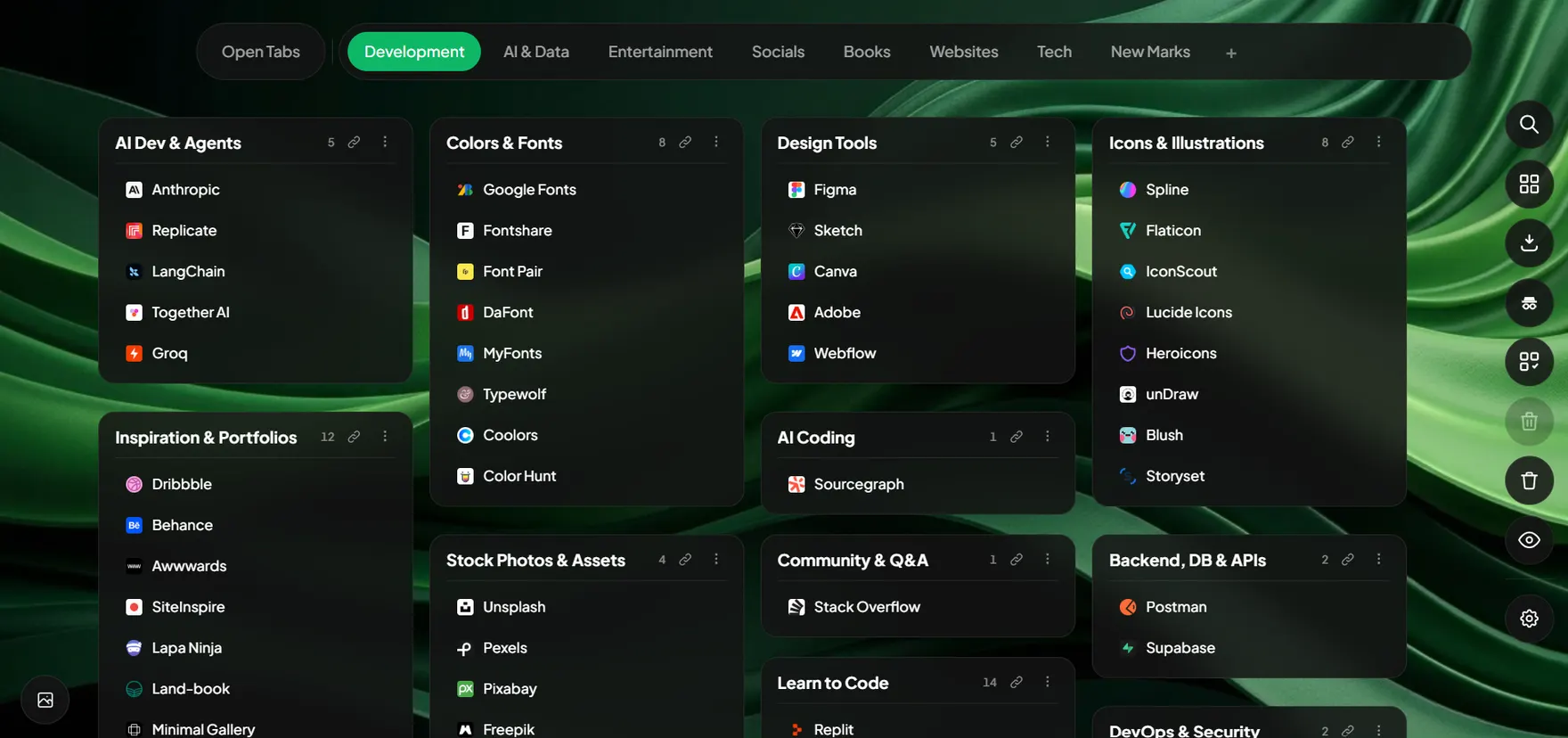
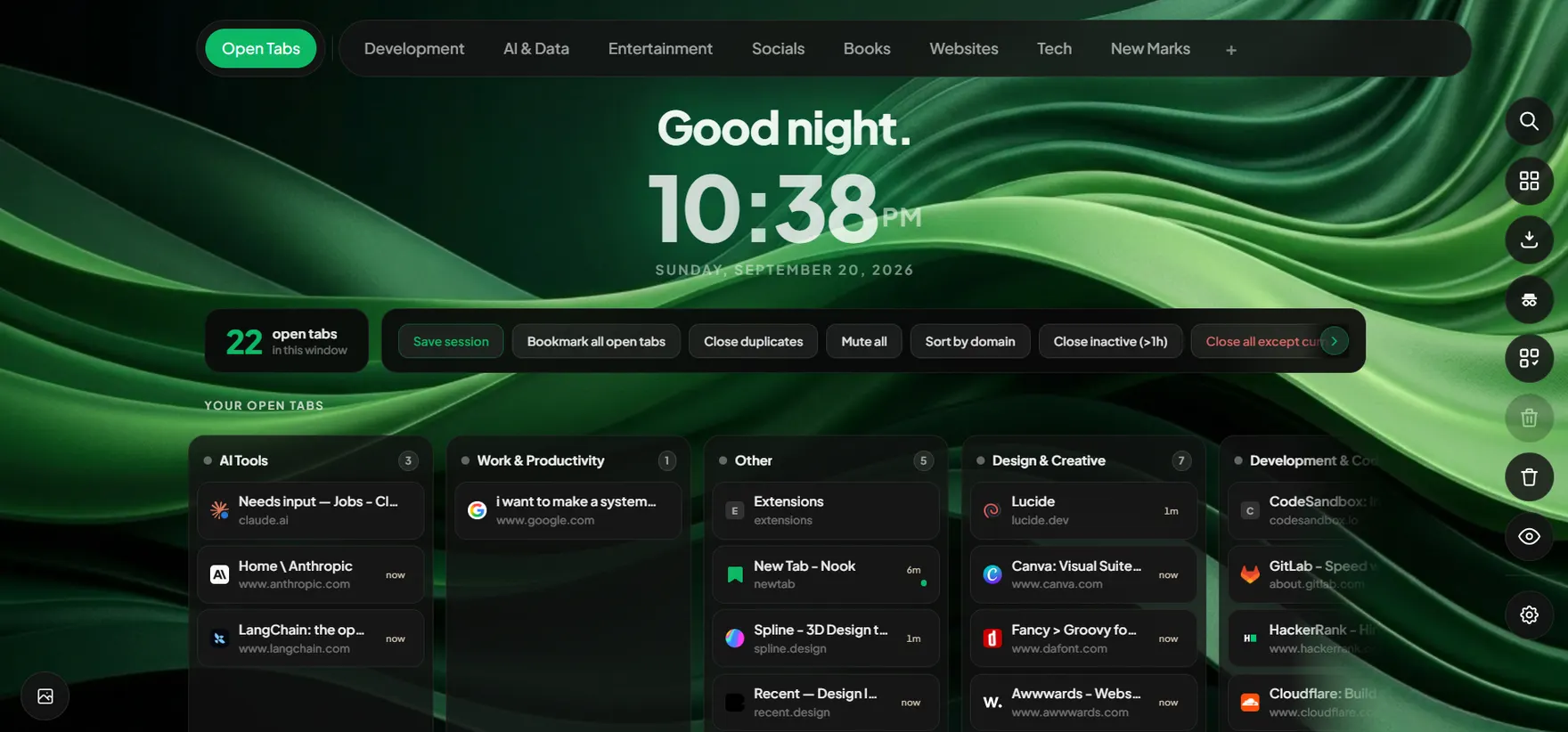
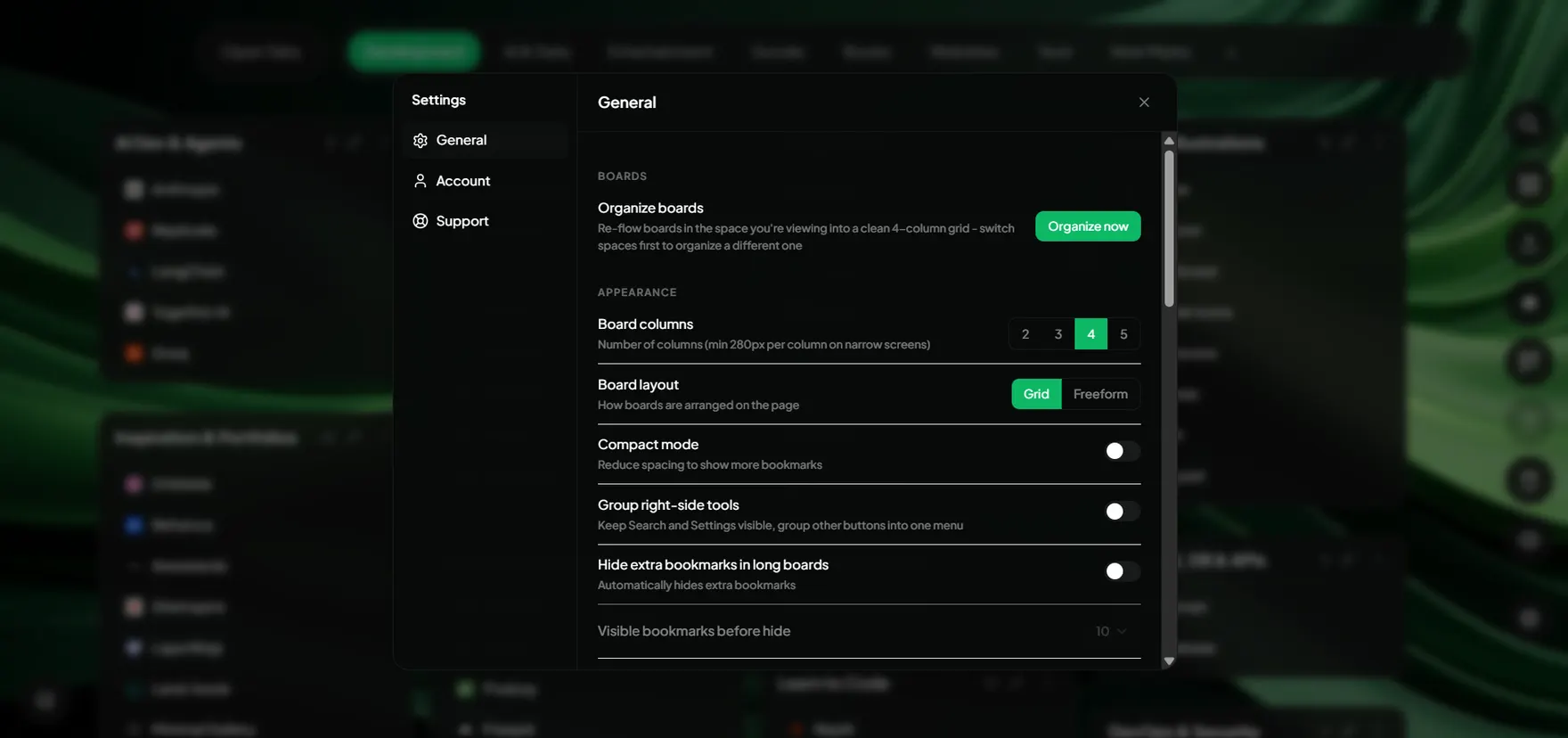
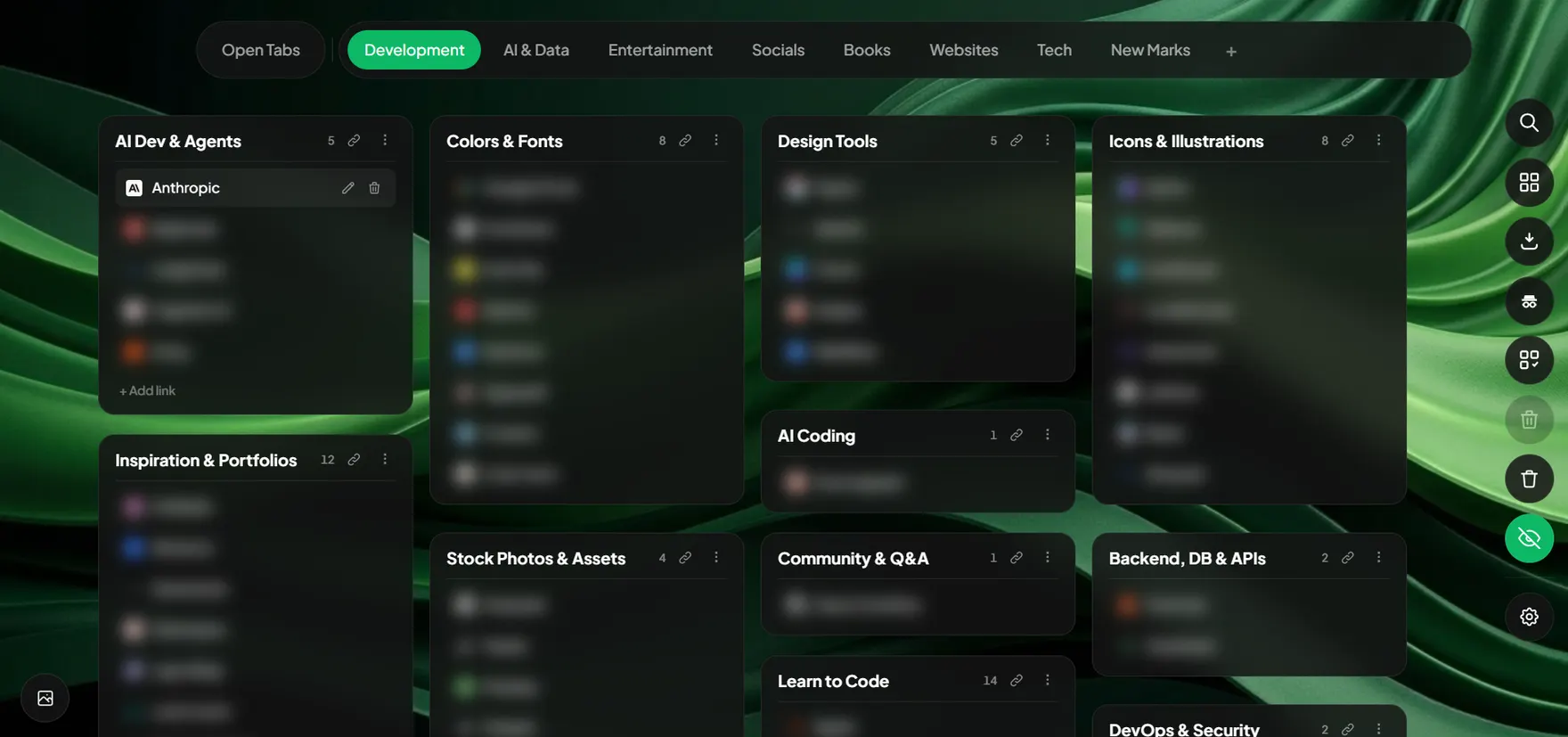
Bookmarks organized into visual boards, grouped by topic automatically.
Rated 4.9 / 5 by people who hate cluttered browsers
0K+
Active users
0.0M
Tabs organized
0
Bytes of data sold
0s
To get set up
Sound familiar?
Your browser is working against you
47 tabs open and you can't find anything
Endless scrolling through a wall of identical favicons, hunting for that one tab you opened two hours ago.
Bookmarks you saved but never open again
A graveyard of links you meant to read someday. Hundreds deep, zero organized, zero useful.
Lost important tabs when the browser crashed
Hours of context - research, documents, forms - all gone in an instant. No recovery, no backup.
Features
Bookmarks and tabs, finally organized
Organize every saved link and every open tab in one calm, distraction-free space.
Bookmark Boards
Sort bookmarks into visual boards for each project, client, or topic. Drag, drop, and find any saved link in seconds - never lost in a folder tree again.
Active Tab Organizer
See every open tab in one clean list and group them by topic in a click. No more scrubbing through a wall of identical favicons.
Session Saving
Save a whole set of tabs as a named session and restore the entire context in one click. Close the window without losing your place.
Clutter Score
A live 0-100 score showing how chaotic your browser is. Watch it drop as you get organized. Weirdly satisfying.
Cloud Sync
Sync your sessions and bookmarks across devices. Opt-in only - your data is never synced without consent.
Privacy Blur Mode
One keystroke blurs all tab titles, URLs, and session names. Perfect for screen sharing without exposing your work.
One-Click Import
Bring in your existing Chrome bookmarks and Nook automatically sorts them into sensible boards by matching against a built-in database of thousands of sites - no manual folder-by-folder cleanup.
Themes & Wallpapers
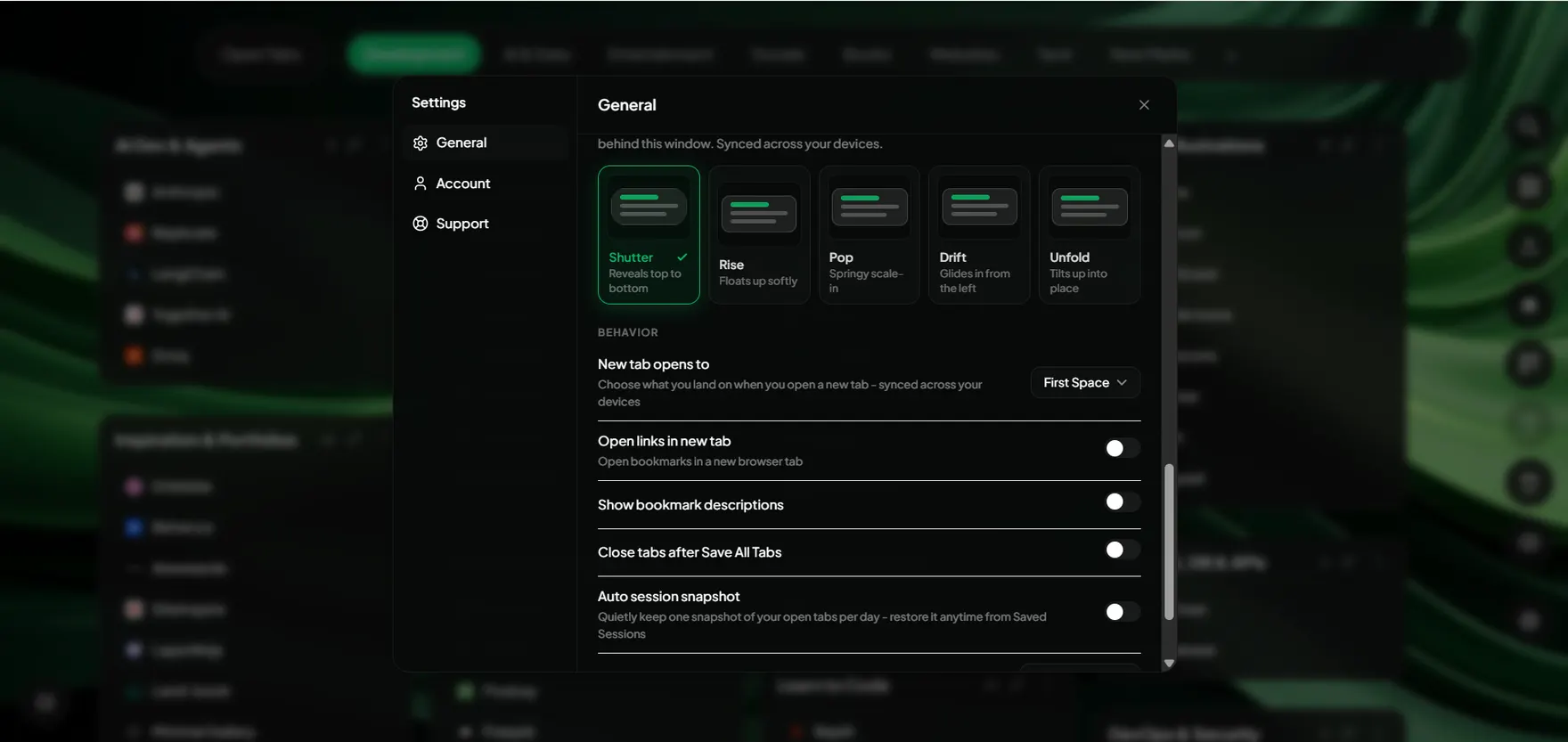
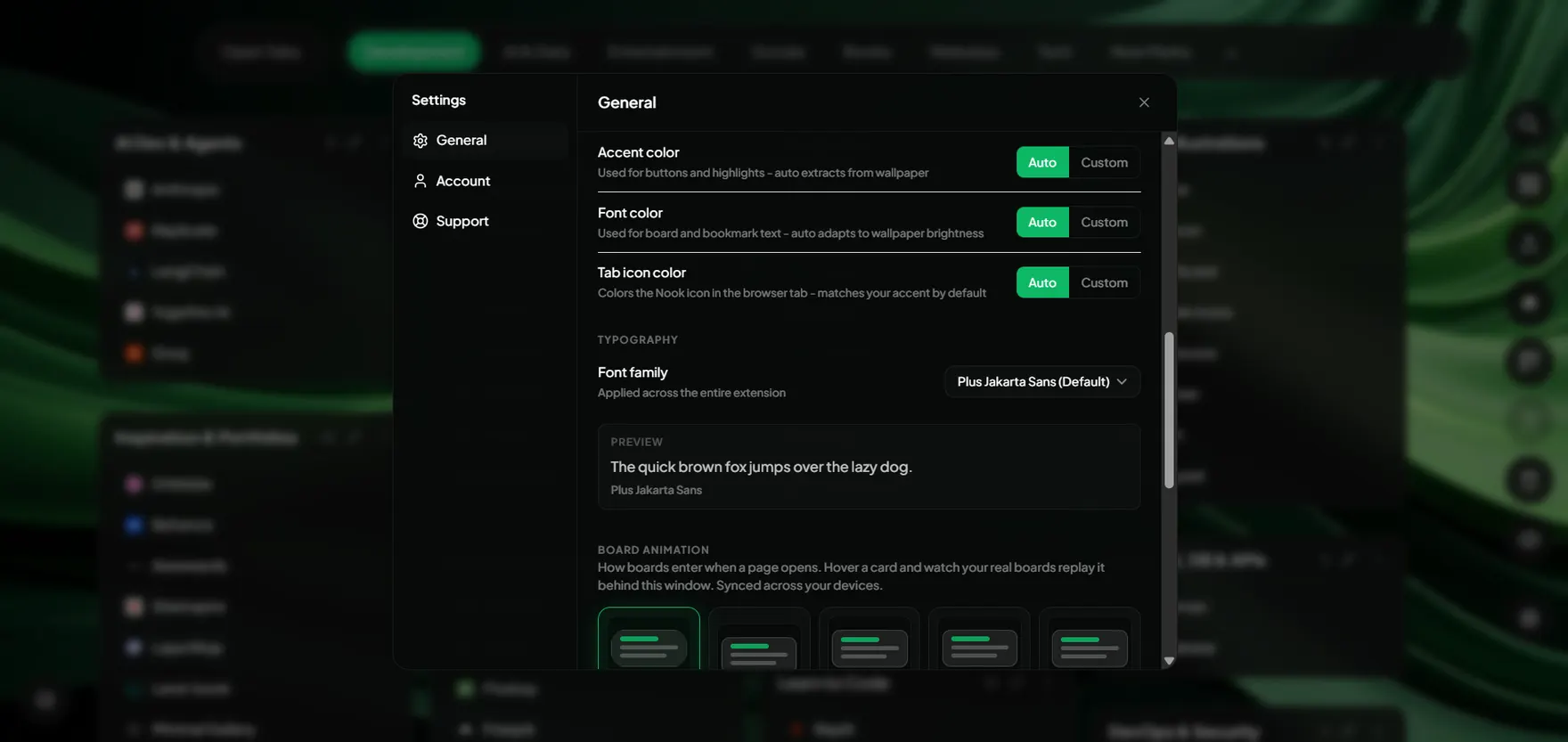
5 built-in themes, a full wallpaper gallery or your own image, and an accent color auto-picked from your wallpaper - it even tints your tab icon to match.
Command Palette
One shortcut, fuzzy search across every board, bookmark, open tab, and saved session. Jump anywhere on your new tab without touching the mouse.
Workflow
Up and running in 60 seconds
Install
Add Nook to Chrome from the Web Store. No account or email needed.
Open New Tab
Your new tab becomes your personal dashboard, calm and focused.
Organize
Create boards, drag bookmarks in, and let Nook group your open tabs.
Sync
Sign in to sync your boards and sessions everywhere automatically.
Use Cases
Built for the way you actually browse
However your tabs pile up, Nook turns the chaos into a workspace that works for you.
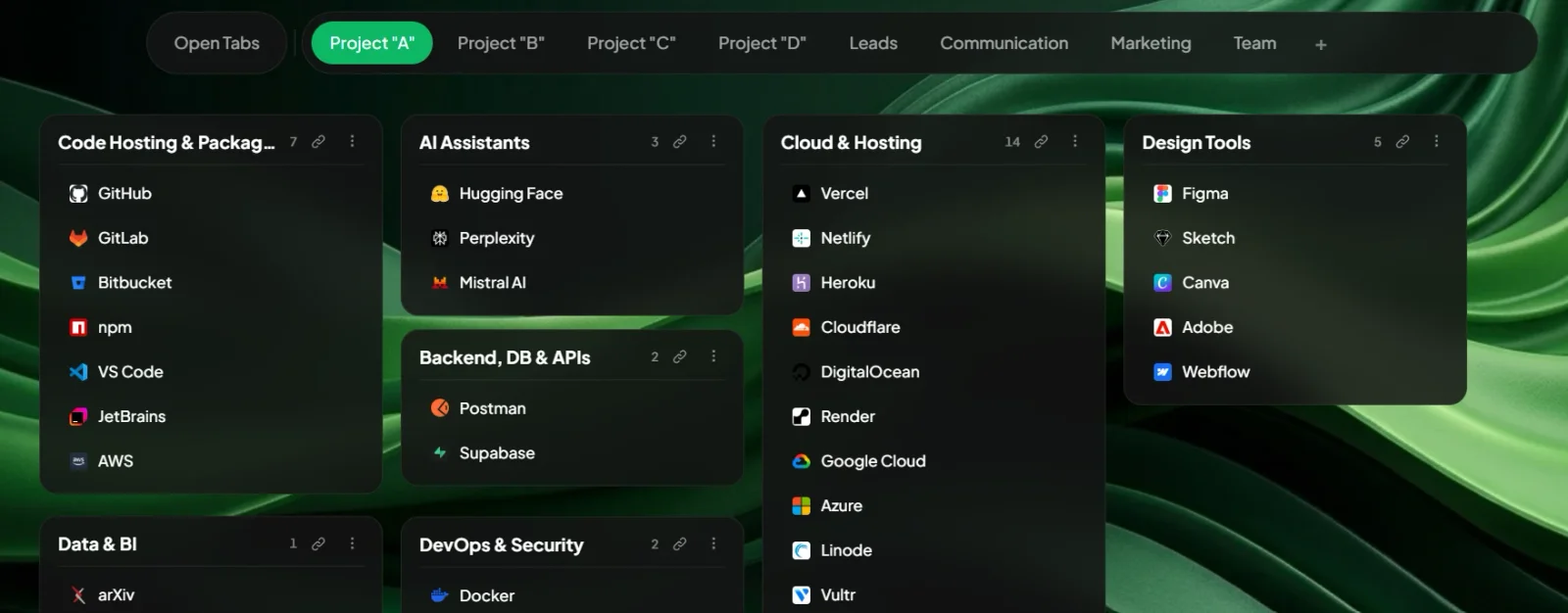
Organize tabs by project
Keep separate spaces for work, side projects, and personal reading. Nook clusters open tabs by topic automatically, so your workspace stays clean as your tab count grows instead of collapsing into one endless strip.
Save links while you browse
Capture a useful page with one shortcut and sort it later. No more dumping everything into a single overstuffed bookmarks folder you never reopen.
Pick up research where you left off
Save a full session of tabs before you close, then restore the entire context in one click tomorrow. Deep work survives a restart.
Stay in sync across machines
Opt in and your sessions and saved links follow you between desktops, so the tab you need is there wherever you sit down to work.
Loved by focused people
Don't just take our word
Pricing
Simple, honest pricing
Try everything free for 30 days. No card. No surprises.
Free Trial
Free / 30 days
Everything included. Zero friction. Start immediately.
- All Pro features unlocked
- Smart tab grouping
- Session saving
- No credit card required
Nook Pro
${{ proPrice }}{{ proPeriod }}
{{ proTagline }}
- Everything in Trial, forever
- Cloud sync across devices
- Priority support
- Cancel anytime, data deleted on request
After your trial, upgrade or your data is safely deleted. Nothing is ever held hostage.
FAQ